What a Dark Web Access Website Actually Is
The term 'dark web access website' is misleading because the dark web is not accessed through a regular website. Instead, you use a specialized browser or application that connects to the Tor network, which then allows you to reach .onion addresses. These addresses are hosted on hidden services that do not appear in search engines and are not reachable through standard browsers like Chrome or Firefox.
When people search for 'websites to access the dark web,' they are usually looking for either the Tor Browser itself, mirrors of known directories, or guides on how to configure their system. The Tor Browser is the official tool maintained by the Tor Project and is the most reliable way to access onion services. Mirrors and cached versions of directories exist because the main entry points are sometimes blocked or taken offline by law enforcement or ISP-level filtering.
The Tor Browser and How It Enables Access
The Tor Browser is a modified version of Firefox that routes your traffic through multiple Tor relays before reaching a destination. This anonymization layer is what makes dark web access possible. When you open the Tor Browser, it connects to the Tor network automatically and assigns you an exit node, which masks your real IP address.
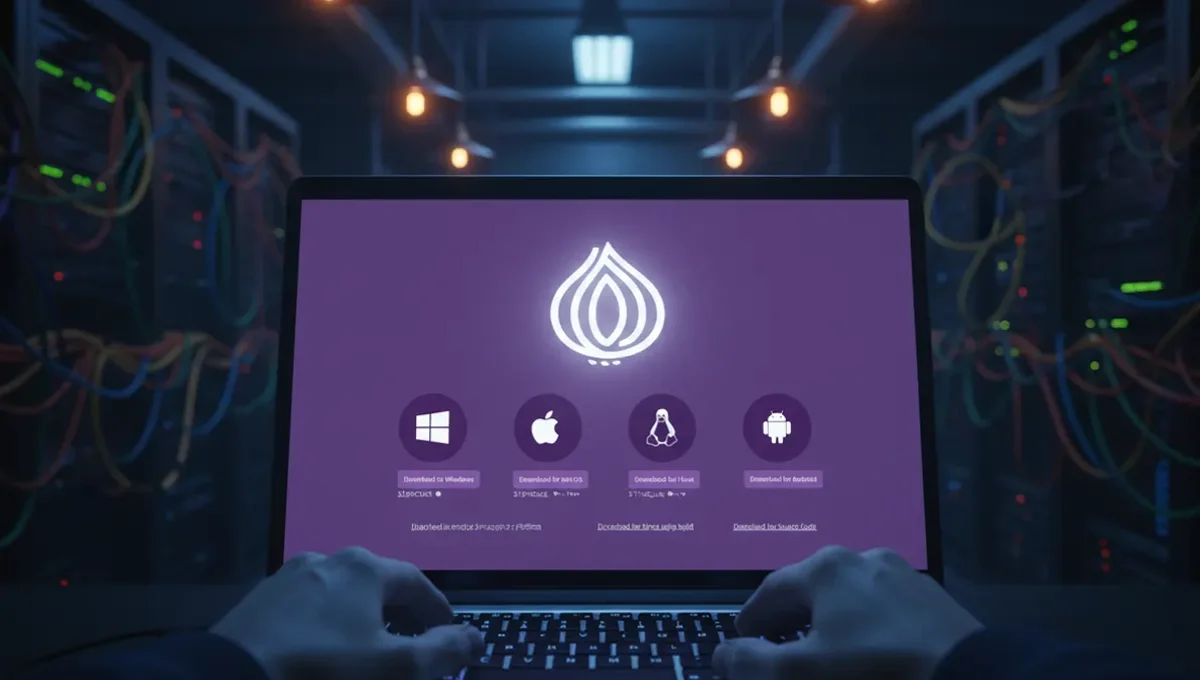
To use the Tor Browser for dark web website access, you download it from the official Tor Project website, verify the signature if you are security-conscious, and then launch it. The browser looks and feels like a standard Firefox window, but all traffic is encrypted and routed through Tor. One critical step is checking that you are using the genuine Tor Browser and not a phishing clone, because malicious actors have created fake versions designed to steal credentials or inject malware.
Dark Web Access App and Browser Alternatives
Beyond the Tor Browser, other tools exist for dark web access. Tails is a live operating system that routes all traffic through Tor by default and leaves no trace on your computer after shutdown. Whonix is a virtual machine setup that isolates Tor traffic from your host system. Both are more complex to set up than the Tor Browser but offer stronger isolation if you are concerned about malware or forensic recovery.
Mobile dark web access apps exist but are less reliable and more vulnerable to fingerprinting. The Tor Project maintains Onion Browser for iOS and Orbot for Android, but mobile access carries additional risks because phones are harder to keep clean and are often targeted by law enforcement. For most users, the Tor Browser on a dedicated or virtual machine is the practical middle ground between security and usability.
How Dark Web Access Links and Mirrors Work
Dark web access links refer to .onion addresses that serve as entry points to directories, forums, or services. These addresses are long, seemingly random strings of characters followed by .onion. Because the Tor network is decentralized, there is no single 'dark web homepage,' so users rely on directories, wikis, and word-of-mouth to find services.
Mirrors are copies of these directories hosted on multiple .onion addresses. When one mirror is seized or goes offline, users can switch to another. This redundancy exists because law enforcement regularly targets high-profile dark web marketplaces and forums. However, mirrors also create a phishing risk: scammers register similar-looking .onion addresses to trick users into entering credentials or sending funds. Verifying an address through PGP-signed announcements or official social media channels is the only reliable way to confirm you are on the real site.
Reality Check: Common Pitfalls and Ecosystem Behavior
According to Tor Project documentation, the most common failure point for new users is misconfiguration or using outdated versions of the Tor Browser. This matters because older versions may have known vulnerabilities that allow deanonymization. Law-enforcement press releases and court records show that many arrests of dark web users result from operational security failures, not from Tor being broken: users reused usernames, failed to use VPNs in addition to Tor, or accessed the dark web from devices that were already compromised.
Security-vendor incident reports consistently document that phishing clones of popular dark web marketplaces and forums cause significant financial losses. Scammers register lookalike .onion addresses and wait for users to mistype or follow outdated links. Academic research on onion services confirms that the dark web hosts both legitimate privacy-focused communities and illegal marketplaces, and that distinguishing between them requires verification skills that most casual users lack. This matters because it means that simply accessing the dark web does not automatically expose you to illegal content, but the lack of moderation and law enforcement means that illegal material is present and easily stumbled upon.
Verification and Safe Access Practices
Before using any dark web access link or directory, verify its authenticity through multiple channels. Check the official Tor Project website for links to trusted resources. Look for PGP-signed announcements from the service operator, which you can verify using their public key. Cross-reference information across multiple independent sources rather than trusting a single mirror.
When setting up dark web access, follow these steps:
- Download the Tor Browser only from the official Tor Project website.
- Verify the GPG signature of the installer if you have the tools to do so.
- Install it in a dedicated virtual machine or on a device you use only for Tor access.
- Before visiting any .onion address, confirm it through official channels or PGP-signed announcements.
- Never maximize your browser window, as this can aid fingerprinting attacks.
- Disable JavaScript in the Tor Browser settings if you are visiting untrusted sites.
- Use a VPN before connecting to Tor if your threat model requires it, though this is debated among security experts.
Why Dark Web Access Matters and What to Do Next
Understanding how dark web access websites and tools actually work is the foundation for using them safely. The dark web is not a monolith of crime; it hosts journalists, activists, whistleblowers, and privacy-conscious individuals alongside illegal marketplaces. The difference between safe and unsafe access lies in verification, operational security, and realistic threat modeling.
If you are considering accessing the dark web, start by clarifying why you need to do so. If your goal is to research onion services, read security documentation, or understand how Tor works, you can do that through the official Tor Project website and public security research. If you need to access a specific service, verify its address through official channels before connecting. Download the Tor Browser today from torproject.org, read the official documentation, and spend time understanding how Tor works before visiting any .onion address. This deliberate approach will protect you far more than rushing to find a 'dark web access website' through a search engine.
Frequently asked
Is there a single dark web access website I can visit
No. The dark web is not a website but a network accessed through specialized software like the Tor Browser. You cannot reach it through a regular search engine or by typing a URL into Chrome. You need to download and run the Tor Browser, which then allows you to visit .onion addresses.
What is the safest dark web access browser
The Tor Browser, maintained by the Tor Project, is the official and most secure option for most users. It is regularly updated to patch vulnerabilities and is designed specifically for anonymous browsing. Always download it from torproject.org and verify the signature if possible.
Can I access the dark web on my phone
Yes, but with caveats. Onion Browser for iOS and Orbot for Android exist, but mobile devices are harder to keep clean and are more vulnerable to fingerprinting and malware. For sensitive activities, a dedicated computer or virtual machine running the Tor Browser is safer.
How do I know if a dark web link is real or a phishing clone
Verify the .onion address through PGP-signed announcements from the official operator, cross-reference it across multiple independent sources, and check the official Tor Project resources page. Never trust a link from an untrusted source or a casual mention in a forum.
Do I need a VPN to use the Tor Browser safely
This is debated among security experts. A VPN before Tor can hide the fact that you are using Tor from your ISP, but it also gives the VPN provider knowledge of your Tor usage. Your threat model determines whether this trade-off is worth it. For most users, Tor alone is sufficient.