What Dark Web Website Access Actually Means
Dark web website access refers to reaching .onion addresses, which are hidden services hosted on the Tor network. These sites do not appear in search engines and cannot be reached through a standard browser. The term 'dark web' is often used interchangeably with 'deep web', but they are not the same. The deep web includes any part of the internet not indexed by search engines, such as email inboxes and paywalled content. The dark web is a small, intentionally hidden subset that requires Tor or similar anonymity software to access.
Onion addresses look like random strings of letters and numbers followed by .onion, for example: thisisnotarealaddress123456789.onion. They are generated by the Tor network itself and serve as both the address and a form of encryption. When you connect to an onion site, your traffic is routed through multiple Tor relays, which obscures your IP address and location from the website operator and from network observers.
The Tor Browser: Your Primary Access Tool
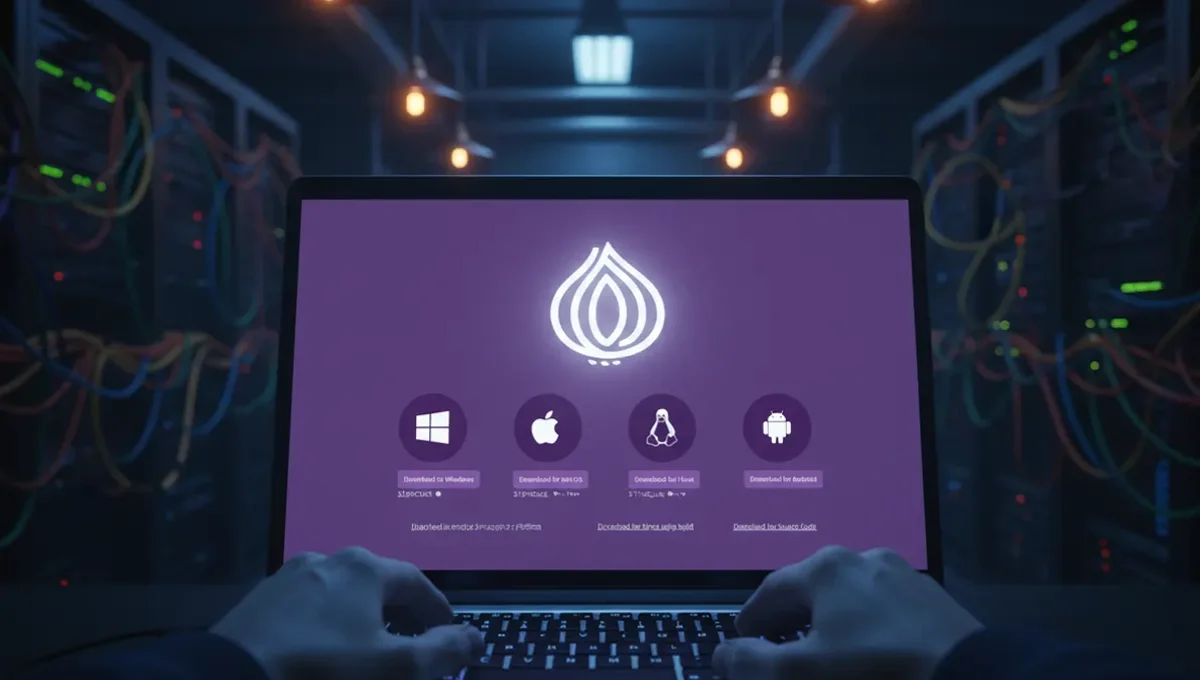
The Tor Browser is the most common and recommended way to access dark web websites. It is a modified version of Firefox that routes all traffic through the Tor network automatically. The Tor Project, the organization that maintains Tor, publishes the browser for Windows, macOS, and Linux. You download it from the official Tor Project website, not from third-party sources.
When you open the Tor Browser, it establishes a connection to the Tor network by connecting to entry nodes, middle relays, and exit nodes in sequence. This process takes a few seconds. Once connected, you can type a .onion address into the address bar just as you would a regular URL. The browser handles all the routing; you do not need to configure anything manually. The Tor Browser also disables certain features that could leak your real IP address, such as WebRTC and JavaScript in certain contexts.
Prerequisites and Setup Steps
Before you access dark web websites, you should have a few things in place:
- Download the Tor Browser from the official Tor Project website only. Verify the GPG signature if you are familiar with that process, or check the fingerprint against the official site.
- Install the browser on a device you can dedicate to Tor activity, or use a virtual machine to isolate it from your main system.
- Disable JavaScript in the Tor Browser settings if you plan to visit unfamiliar sites. This reduces the risk of certain exploits.
- Consider using a VPN before connecting to Tor if you are in a region where Tor itself is blocked or monitored. However, do not use a VPN after Tor; that defeats the purpose.
- Ensure your operating system and all software are up to date before you begin.
These steps reduce the surface area for attacks and help you maintain operational security while you browse.
Finding and Verifying Onion Addresses
The hardest part of dark web website access is finding legitimate onion addresses without falling for phishing clones or scams. There is no search engine for .onion sites, so you must rely on trusted sources. The most reliable method is to find a PGP-signed announcement from the organization or project you want to reach. For example, if you want to access a news organization's onion mirror, visit their main website and look for a link to their onion address, or search for their official announcement on a trusted news site.
Phishing clones are a major risk. Attackers register similar-looking .onion addresses and copy the design of popular sites to steal login credentials or malware. Always verify the full address carefully. Bookmark legitimate addresses after you have confirmed them through multiple sources. If a site asks you to log in, check that the address in your browser matches what you expect. Many organizations publish their onion addresses on their main website and sign them with PGP keys, which you can verify if you have the public key.
Reality Check: How the Ecosystem Actually Works
The Tor network was designed by the US Naval Research Laboratory to protect military communications, and it is maintained today by volunteers and the Tor Project. According to Tor Project documentation, the network has roughly two million daily users, though this number fluctuates. Law enforcement agencies worldwide have successfully identified and prosecuted Tor users by combining network analysis, malware deployment, and traditional investigation techniques, as documented in court records from major darknet market seizures.
One critical insight: Tor protects your IP address and location, but it does not make you invisible. If you log into a personal account, use identifying information, or visit a site that has been compromised with malware, your anonymity can be broken. Academic research on onion services shows that many sites are operated by law enforcement as honeypots or are compromised by attackers. This matters because it means you cannot assume that any dark web website is safe or legitimate simply because it is on Tor. A second insight: many people believe Tor is used primarily for illegal activity, but the majority of traffic is legitimate. However, the visibility of illegal marketplaces has shaped public perception and law enforcement priorities. A third insight: your ISP can see that you are using Tor, even though they cannot see what you are doing. In some countries, this alone can trigger investigation.
Common Mistakes and How to Avoid Them
The most common mistake is downloading the Tor Browser from the wrong source. Fake versions exist on third-party sites and are sometimes bundled with malware. Always download from the official Tor Project website only.
A second mistake is maximizing your browser window. Tor Browser deliberately limits window size to prevent websites from detecting your screen resolution and using it to fingerprint you. If you maximize the window, you reduce your anonymity.
A third mistake is enabling plugins or extensions. These can bypass Tor and leak your IP address. Do not install anything in the Tor Browser.
A fourth mistake is assuming that Tor alone is enough protection. If you are accessing a dark web website that requires a login, you are creating a link between your online identity and your Tor session. If that site is compromised or monitored by law enforcement, you can be identified. Use a separate username and password that you do not use anywhere else.
A fifth mistake is visiting sites that offer downloads without understanding the risks. Malware is common on dark web forums and marketplaces. Do not download files unless you have a specific reason and understand the source.
Verification and Staying Safe Going Forward
After you have accessed a dark web website, verify that you are actually on the site you intended to reach. Check the .onion address in the address bar character by character. Bookmark the address after you have confirmed it. On your next visit, use the bookmark instead of typing the address again.
If a site asks you to enable JavaScript or install a plugin, decline. If a site looks different from what you remember, do not log in. Close the browser and verify the address again from a trusted source.
Consider using a dedicated device or virtual machine for dark web browsing. This isolates any potential malware or tracking from your main system. If you are using a virtual machine, take a snapshot before you visit any unfamiliar sites, so you can revert if something goes wrong.
Keep your Tor Browser updated. The Tor Project releases security patches regularly. When you open the browser, it will notify you if an update is available. Install updates promptly.
The core takeaway is this: dark web website access is a technical skill, not a moral boundary. The tools are designed to protect privacy and free speech. How you use them determines whether you are engaging in legitimate research, journalism, activism or something else. Start by understanding what you are trying to accomplish, then verify every step of the process. Your next move is to download the Tor Browser from the official Tor Project website and read their documentation on safe browsing practices.
Frequently asked
Is dark web access illegal
No. Using Tor and accessing dark web websites is legal in most countries. However, what you do on the dark web may be illegal depending on your jurisdiction and the content you access. Many legitimate organizations, including news outlets and human rights groups, operate onion sites. Law enforcement can and does monitor dark web activity, so assume that your actions may be traced if you engage in illegal behavior.
Do I need a VPN to access dark web websites
A VPN is optional but can be useful in specific situations. If Tor itself is blocked in your country, you can use a VPN to reach Tor. However, do not use a VPN after you connect to Tor, as this can actually reduce your anonymity. If you use a VPN, choose one that does not log your activity and disconnect it before you open the Tor Browser.
Can I be tracked on dark web websites
Tor protects your IP address, but you can be tracked if you reveal identifying information, log into personal accounts, or visit a site that has been compromised with malware. Law enforcement has successfully identified Tor users through a combination of technical analysis and traditional investigation. Assume that any dark web activity can potentially be traced if someone is motivated to do so.
What is the difference between dark web access app and Tor Browser
The Tor Browser is the official application maintained by the Tor Project. Other apps and tools exist, but they are less widely used and may not receive the same level of security updates. For dark web website access, the Tor Browser is the most reliable and recommended option. Third-party apps may have vulnerabilities or may not properly route traffic through Tor.
How do I know if a dark web website is real or a phishing clone
Verify the .onion address through multiple trusted sources. Check the organization's main website for a link to their onion address, or look for PGP-signed announcements. Bookmark legitimate addresses after you have confirmed them. If a site looks different from what you remember or asks you to enable features that seem unusual, do not log in. Close the browser and verify the address again.